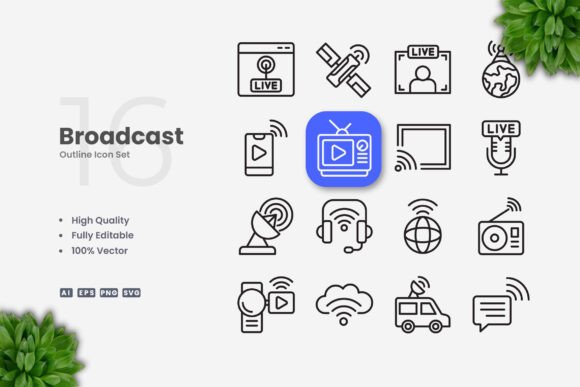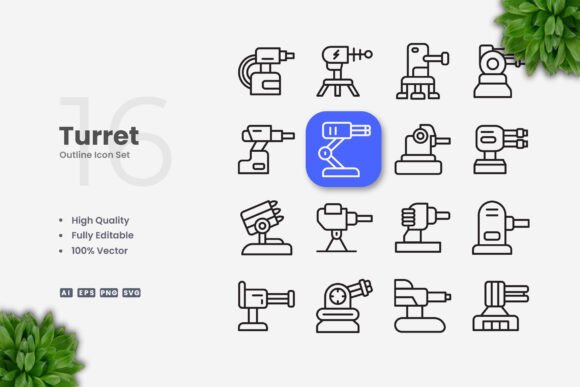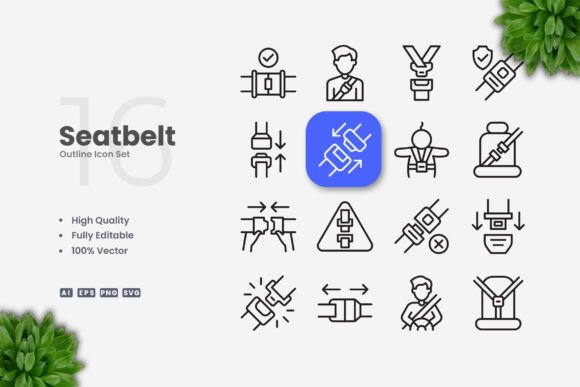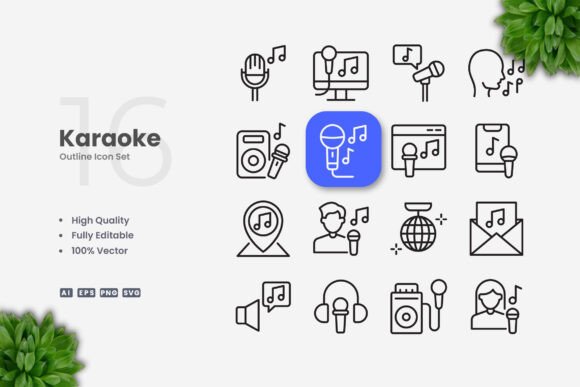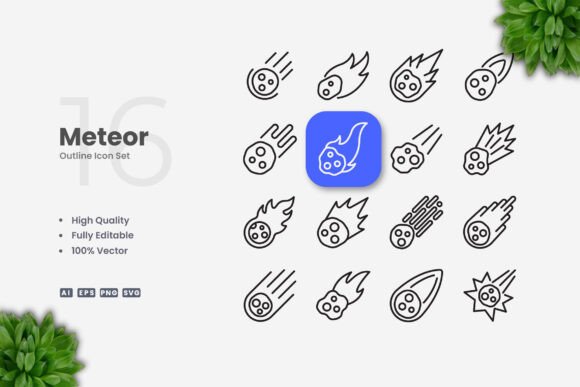
Meteor Icons: A Versatile and Professional Design Resource
Meteor Icons is a collection of vector-based icons designed with simplicity and clarity in mind. These icons are ideal for a wide range of applications, from websites and mobile apps to print materials like flyers, posters, and banners. Their clean aesthetic makes them suitable for both digital and physical media, offering a professional look that adapts well across different formats.
What sets Meteor Icons apart is its focus on high-quality design combined with flexibility. Each icon is fully editable, allowing users to adjust size, color, and stroke weight using vector software such as Adobe Illustrator or CorelDRAW. This level of customization ensures that the icons can be tailored to fit specific project needs without compromising visual integrity.
Key Features of Meteor Icons
Meteor Icons offers several features that make it a practical choice for designers and developers. The collection includes 100% vector files, which means they can be scaled without loss of quality. This is especially important for projects that require icons in various sizes, from small app buttons to large banners.
- High Quality Design: Each icon is crafted with attention to detail, ensuring a polished and professional appearance.
- 100% Vector Files: The icons are available in multiple formats, including AI, EPS, SVG, and PNG, making them accessible for different workflows.
- Customizable Options: Users can modify colors, stroke weights, and other properties to match their brand or design requirements.
- Editable Stroke: The ability to adjust stroke thickness provides additional control over the visual style of each icon.
- Easy Drag and Drop: The file structure is organized for quick access, allowing users to integrate the icons into their projects efficiently.
- Comprehensive File Set: The package includes source files, EPS versions, SVG files, transparent PNGs, and a README file for guidance.
How Meteor Icons Compares to Other Icon Sets
When considering icon resources, Meteor Icons stands out for its balance between simplicity and versatility. Unlike some icon libraries that prioritize complexity or thematic consistency, Meteor Icons focuses on clean, minimal designs that can be used across diverse contexts. This makes it a good option for projects that require a neutral yet professional visual language.
Compared to other icon sets, Meteor Icons offers a more straightforward approach to customization. While some resources may limit editing capabilities or require advanced knowledge to modify, Meteor Icons provides an accessible workflow for users familiar with vector design tools. This ease of use can save time during the design process, especially for those who need to adapt icons quickly.
However, it’s worth noting that Meteor Icons may not be the best fit for every project. For example, if a designer requires highly detailed or stylized icons, other collections might offer more creative options. Similarly, for projects that demand a specific theme or branding, a more specialized icon set could be more appropriate.
Best Fit Situations for Meteor Icons
Meteor Icons is particularly well-suited for projects that value clarity and adaptability. Its clean design allows it to blend seamlessly into a variety of interfaces, making it a strong choice for web and mobile applications where readability is essential. For instance, a website that uses a minimalist layout would benefit from the subtle yet effective visual language of Meteor Icons.
Printed materials such as brochures, flyers, and posters also benefit from the scalability of vector icons. Since Meteor Icons can be resized without losing quality, it ensures consistent visual performance across different formats. This is especially useful for businesses that need to maintain a cohesive brand identity across multiple channels.
Additionally, Meteor Icons is a practical choice for designers who want to work efficiently. The availability of multiple file types and the ease of editing mean that users can integrate the icons into their projects with minimal effort. This efficiency can be a significant advantage for teams working under tight deadlines or managing multiple design tasks simultaneously.
Limitations and Considerations
While Meteor Icons is a valuable resource, it’s important to consider its limitations. The focus on simplicity may not appeal to all designers, particularly those looking for more intricate or unique styles. In such cases, alternative icon sets with more complex designs or distinctive themes might be a better fit.
Another consideration is the need for vector editing software. Although Meteor Icons is highly customizable, users must have access to tools like Adobe Illustrator or CorelDRAW to make changes. For those without these programs, the icons may be less useful unless they plan to use online editors or other alternatives.
It’s also worth mentioning that the mockup preview is not included in the package. This means that users will need to create their own previews or use external tools to visualize how the icons will appear in final designs. While this is a minor inconvenience, it’s something to keep in mind when evaluating the overall value of the resource.
When to Choose Meteor Icons
Meteor Icons is an excellent choice for designers and developers who prioritize clean, adaptable visuals. It’s ideal for projects that require a neutral, professional look without the need for excessive detail or stylistic flair. Whether designing a website, developing a mobile app, or creating printed materials, Meteor Icons provides a reliable and flexible solution.
If the goal is to maintain a consistent visual language across different platforms, Meteor Icons offers the necessary tools to achieve that. Its compatibility with multiple file formats and its ease of editing make it a practical option for teams that need to work efficiently across various design environments.
Alternatives to Consider
For those who find Meteor Icons too simplistic, there are alternative icon sets that offer more elaborate designs or specific themes. Some resources focus on modern, flat styles, while others provide retro or hand-drawn aesthetics. These alternatives may be more suitable for projects that require a distinct visual identity or a particular artistic direction.
Additionally, some icon libraries include a wider range of symbols or more extensive collections, which could be beneficial for large-scale projects. However, these options often come with trade-offs, such as increased complexity or limited customization. It’s important to evaluate the specific needs of a project before selecting an icon resource.
In many cases, the decision between Meteor Icons and other options comes down to the desired balance between simplicity and versatility. For most general-purpose applications, Meteor Icons provides a solid foundation that can be adapted to meet a wide range of design goals.